
When you book with the app, you will always receive a fixed price for your taxi ride, and you can track your taxi’s arrival in real time.
By registering and adding your payment card details to the app, you can also pay for your taxi ride directly through the app.
Download the Korpitaxi booking app to your phone for free here.
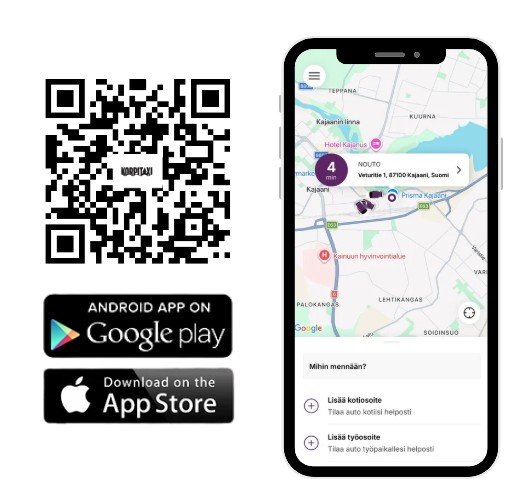
1. Download and open the app. The app will ask you to log in or register. If you do not yet have an account, create one by registering. Once you have an account, you can log in.
2. The app will suggest adding a payment card, but this is not mandatory.
3. When placing an order, enter both the pickup and destination addresses to receive a fixed price for your ride. If your trip includes stops, please add them to the booking by pressing the + button when entering the pickup and drop-off addresses. The fixed price includes the ride from the pickup address to the destination address (and any stops added to the booking). You can also add additional information for the driver, such as a more precise pickup location or stairwell, in the “Add note” section.
4. You can choose the vehicle type by selecting “Any Vehicle” (for example, estate car or minivan taxi). If you are travelling with a pet, please add this information to the booking under “Extras”.
5. Choose one of the following payment methods: Apple/Google Pay, payment with the card added to the app, or payment in the vehicle.
6. You can order a taxi immediately by pressing the “Book now” button, or book in advance by selecting your preferred pickup time under “Later”.
7. Once the booking has been made, the app will search for a taxi for your ride. You can track the taxi’s arrival in real time on the app map.